
IQ Cent Sign In
Secure Account Access for Pakistan
Log in anytime, whether you’re on a PC or your phone. You can access the platform through a browser or app, if both are available on your account. Your account stays protected with SSL encryption. Add two-factor authentication for an extra layer of protection - just in case you want to double down. For a quick start, always review your account security settings and recovery options soon after registration.
We recognize returning devices in Pakistan quickly enough. No need to re-enter data all the time, as long as your device is trusted. All trades, funds, and sessions stay in sync no matter where you log in. You can switch devices in the middle of trading - your actions continue without interruption.
Settle in through the site (iqcent.com), or grab one of our apps. We keep your experience almost identical: you see the same data, same trades, and consistent security.
How to Log In
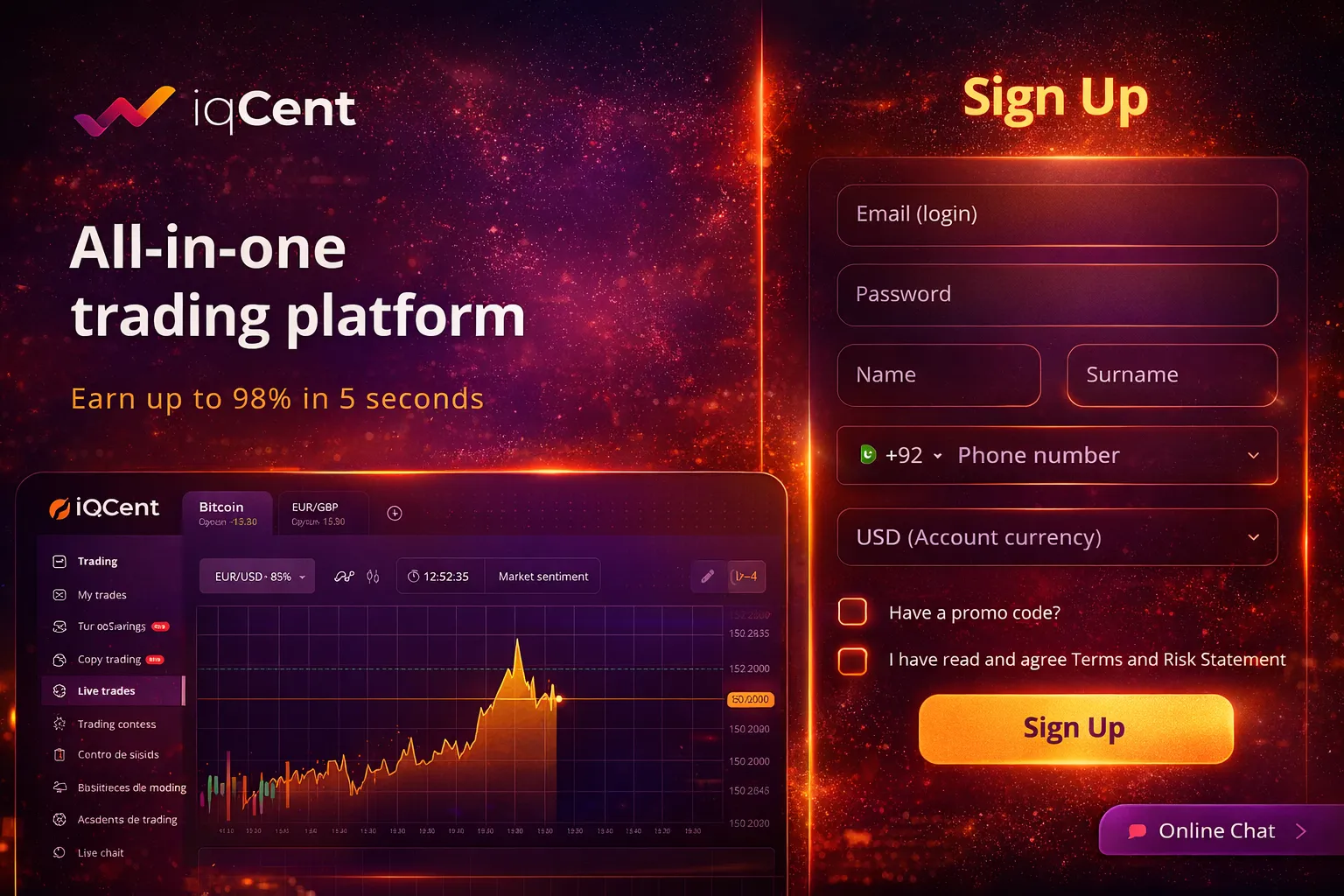
Heading over to the homepage - or opening the app - you’ll spot the login button up top on the right. Use your email or the phone number you registered, if that option is enabled for your account, plug in the password (be careful, caps and numbers must match). There might be a CAPTCHA, but not always. Submit your details.
If your connection’s normal, our system confirms you in 2 or 3 seconds. You’ll land on your trading dashboard right after - balance and available instruments upfront.
If two-factor authentication is enabled, enter the code from your authenticator app or SMS after your password, which goes to your Pakistani mobile.
Can’t Log In? Reset Options
You don’t have to wait for anyone to reset your password - our system lets you recover it around the clock. Just start the process, we’ll send out a secure link to your email (good for 60 minutes) or a code via SMS to a verified mobile number. Finish changing your password inside this time window.
Lost access to the email or phone you registered? Our chat support runs day and night. Agents help check your details, deposit records, or documents to restore your entry.
| Recovery Method | What We Check | How Long It Takes |
|---|---|---|
| Email reset link | Access to that email | 2-5 minutes |
| SMS code | Your Pakistani mobile | 1-3 minutes |
| Live chat support | Identity confirmation | 10-30 minutes |
| Security question | Pre-set answers | Immediate |
Two-Factor: Extra Protection
We highly recommend enabling two-factor authentication when you handle deposits in USD, EUR, GBP, or RUB. After logging in, find this option in account settings and choose SMS or authenticator app.
Authenticator codes change every half a minute - two-factor authentication can use an authenticator app that generates 6-digit time-sensitive codes; SMS codes go right to your verified Pakistani number whenever you log in. Personal devices can be trusted so you don’t get prompted constantly - that trust lasts 30 days if the device remains active.
Backup codes may be issued during setup. Keep them away from the rest of your details, each works once if you lose your usual access methods.
Login Headaches? What Can Happen
Type your password wrong too often and you get locked out. Five misses in 15 minutes locks you for 30 minutes. When that’s over, you can try again or go straight to password recovery.
If logins time out, it normally means slow or unstable internet. Try toggling between WiFi and mobile data, or check if a VPN is interfering since we verify your Pakistani location.
Some accounts get suspended if certain checks weren’t completed. If you see suspension messages, our chat will explain what’s missing and when you can get back in.
Quick Login Process
Enter your email or phone number and password on the homepage or mobile app. The system confirms your credentials in 2-3 seconds with encrypted connection protection. Two-factor authentication adds extra security through SMS or authenticator app codes.
- Instant device recognition for trusted devices in Pakistan
- Synchronized sessions across all platforms
- 24/7 customer support via live chat
- Password reset available without waiting
- Same trading experience on web and mobile
Session Safety and Management
One login keeps you moving through all parts of the platform - no constant re-entry required. If you’re still working, sessions refresh automatically. Go inactive too long and it logs you out, based on timeouts you set yourself (from 15 minutes up to 8 hours).
Dashboard info lists all currently active sessions: device, IP address, when you last logged in. Quickly spot if something doesn’t match. End any suspicious session from any device, right in your dashboard.
Open sessions can run on more than one device too, so you can check the account from a desk and from a phone at the same time - the data stays identical everywhere.
Using Mobile in Pakistan
Our mobile app supports everything the desktop version does. Download through official channels; just be aware the Google Play app shows live trading only in demo for now.
On mobile, the interface adapts for smaller screens but doesn’t compromise security. Biometric login (fingerprint or face) is supported on qualifying devices, adding extra verification on top of your password.
If you switch internet types mid-session (say, from WiFi to data), we check to make sure the session’s still valid, so you’re not interrupted or forced to fully re-enter your credentials.
Service Area and Currency Notes
We serve traders from many countries: India, Saudi Arabia, Australia, Thailand, Canada, and quite a few others. While Pakistan isn’t explicitly confirmed in our published list, we ask you to check with our support first when registering.
Access restrictions may apply by country, and availability should be checked with support. Live chat clarifies if any changes affect Pakistani users or informs about current requirements.
Deposit options cover USD, EUR, RUB, GBP, subject to account availability. For Pakistani accounts, USD is standard since PKR isn’t available directly. Exchange rates apply on conversions to and from USD.
How We Keep Login Secure
During the login process, everything is encrypted: your data moves through SSL. Deposits by card get 3D Secure checks. Passwords should be long and include both uppercase and lowercase letters as well as numbers. No recycled or easily guessed passwords allowed.
If your IP suddenly changes or comes from a high-risk location, we may ask for extra verification, or temporarily restrict access, till you confirm.
All login sessions eventually expire after a set period. Even trusted devices need renewal after a set period. This way, even large balances or very active accounts aren’t left too exposed.
What You See After Login
Once in, your dashboard pulls up detailed account info, available trading tools, and open positions. Fast switching between areas: deposits, withdrawals, settings, all just a click away - and no extra login needed inside your account.
Currency balances refresh in real time, showing your active and pending transactions. Multiple accounts for demo and live trading may be available, and switching between them should be seamless.
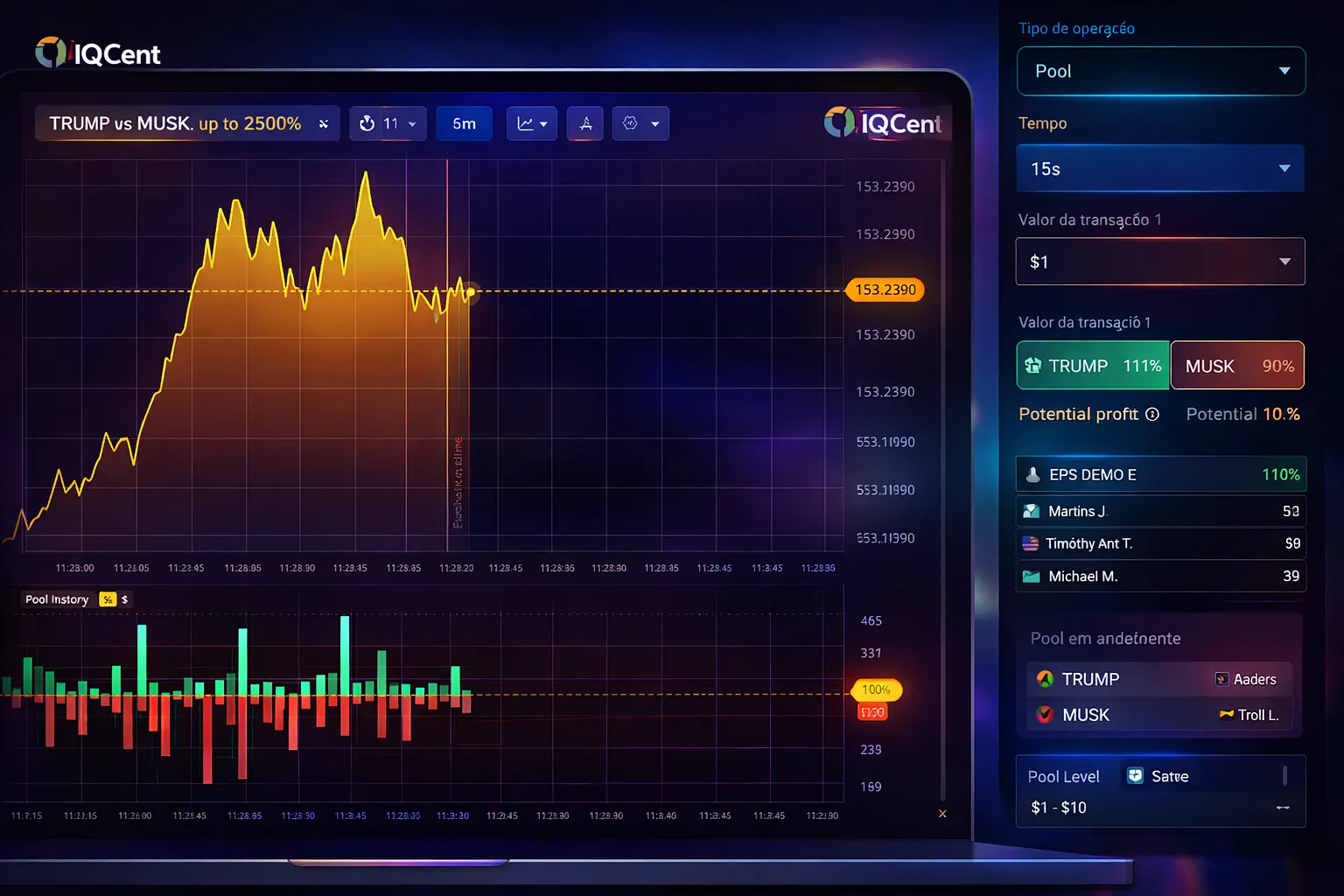
Trading instruments line up on a side menu: forex, crypto, commodities, indices. At least a hundred available; set minimum trades at 0.01 USD, with binary payouts that can reach up to 98 percent.
If You Need Help
Live chat support can help with login or access problems. Agents check your account, verify your details, and help reset or restore, even if you can’t enter your profile.
Email support is also available, though not as fast as chat. Add your registration email, the problem, and send it off.
Our FAQ answers lots of typical questions about passwords, supported browsers, mobile, session handling, and more. You can check there for solutions anytime.
FAQ
Is IQ Cent available for traders in Pakistan?
IQ Cent operates in numerous countries, but Pakistan is not explicitly listed among verified operating regions. You should contact their 24/7 live chat support directly to confirm whether account registration and trading are permitted from Pakistan before attempting to sign up.
What do I need to sign in to my IQ Cent account?
You need the email address or phone number you used during registration and your password. If you enabled two-factor authentication, you’ll also need to enter a code from your authenticator app or SMS after submitting your password.
Is IQ Cent regulated and safe to use?
IQ Cent is operated by Wave Makers Ltd, registered in Marshall Islands, and claims IFMRRC regulation. However, multiple independent sources confirm it is not regulated by any recognized major financial authority, and it has a moderately risky rating of 6.36 out of 10 on Traders Union.